
SalesNGO
Wholesale Sales Platform
Enter it once in MYOB AccountRight. SalesNGO brings it across, and sends every order back as an invoice.
MYOB stays the record of truth. SalesNGO reads from it and writes orders back.
Back to MYOBMost businesses are connected and selling within a few hours.
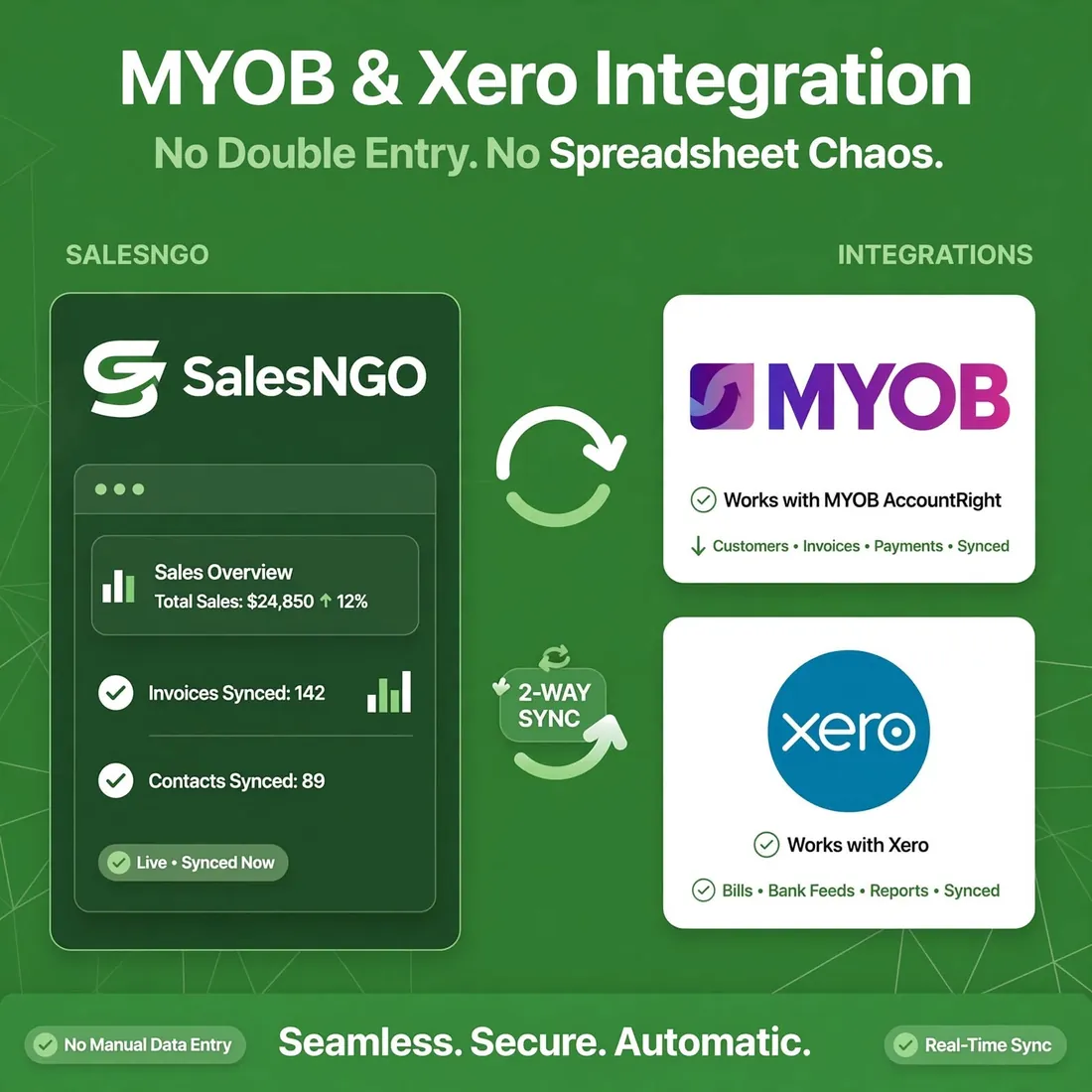 Xero: coming soon
Works with MYOB AccountRight today. Xero is on the way.
SalesNGO connects directly to your MYOB AccountRight company file through the MYOB API. Products, customers, pricing and inventory are synchronised automatically. When orders are placed, they are exported to MYOB as invoices.
Yes. SalesNGO supports customer-specific pricing, price tiers and special promotions. Pricing is synced from MYOB so each customer sees only their agreed prices.
Yes. Inventory is synchronised from MYOB. Sales reps and customers see current stock levels.
Not yet. SalesNGO works with MYOB AccountRight today, and a Xero connection is being built.
Most businesses are up and running within a few hours. Connect your MYOB, let SalesNGO sync your data, and your team can start selling immediately.